Product ∙
You can now set your daily sync time in Fintable
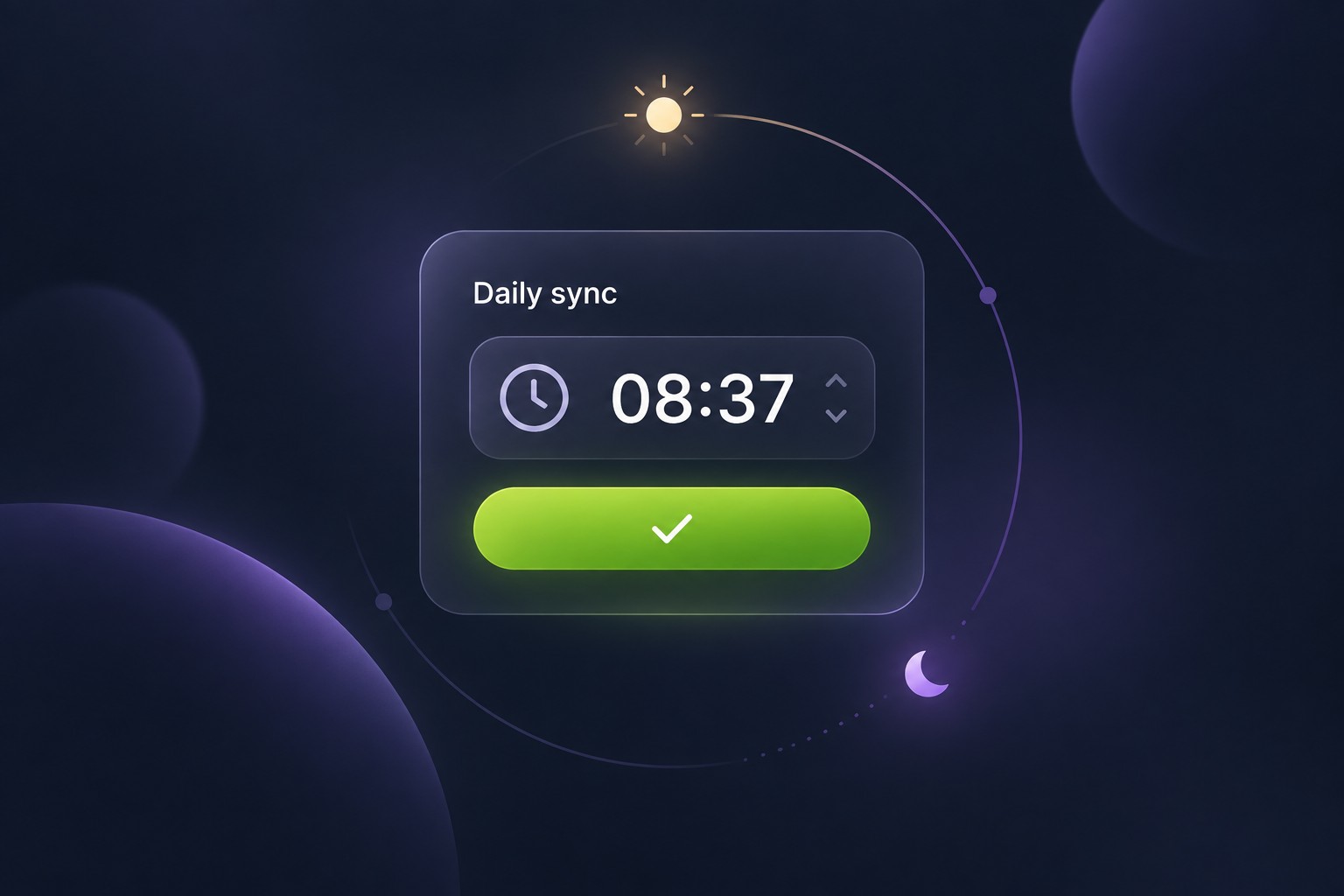
You asked for more control over when your accounts sync, and we listened. You can now choose your daily sync time in Fintable—a time that fits your routine, whether you review your finances over breakfast or at the end of the day.
Your daily sync, at your chosen time
On Home or Accounts, click the time in your daily sync summary, choose your time and timezone, and save.
Your choice applies to all accounts in your Workspace. You can change it whenever you like, and the picker suggests quieter times to help reduce delays.
Choose a time 30–60 minutes before you need the results. Syncs can take up to 20 minutes to complete, depending on how busy the queues are; bank or provider delays can take longer.
Different from Custom Sync Schedules
Setting your daily sync time is available to everyone. You do not need a Business plan or a custom schedule request.
Custom Sync Schedules are a separate feature, available only on Business plans, for requesting additional syncs beyond your daily run.
What about Realtime Sync?
Realtime Sync requests live data from your bank. For most European banks connected through GoCardless and US banks through Akoya, your daily sync already retrieves live bank data.
Plaid refreshes bank data on its own schedule, so your chosen daily sync time may be later than the time the data was last updated at your bank.
Choosing your daily sync time does not add on-demand realtime refreshes. We are working on making Realtime Sync more widely available.
Thank you to everyone who asked for this. Your feedback helps us make Fintable better.