Riverstone Bank - Business United States 🇺🇸
Fintable bank API integration powered by Plaid.
Fintable integrates with Riverstone Bank - Business APIs to sync your finances to spreadsheets.
Fintable is a financial tool which automatically connects to your bank accounts and exports balances and transactions to Google Sheets or Airtable. This integration is powered by Plaid in United States.
The Riverstone Bank offers a robust integration through Plaid, allowing users to conveniently manage their banking needs. This integration enables functionalities such as viewing account balances, monitoring transactions, and verifying income, making financial management seamless. Users can access essential asset details through the platform, enhancing their financial oversight. The bank utilizes a secure routing number for transactions, ensuring that users can transfer funds efficiently and safely. For those looking to take advantage of the digital banking features, Riverstone Bank provides a user-friendly interface on their website. Whether you need to check balances or track your spending, Riverstone Bank ensures that you have the tools necessary for effective financial management.
Live Connection Health
Connection Information
Bank API details
- Domain
- bankriverstone.com
- Fintable Status
- This connection is supported by Fintable via Plaid.
- API Access
- Accounts, balances, and transactions from Riverstone Bank - Business are available programmatically via the Fintable API and the built-in MCP server for AI assistants.
- Display Name
- Riverstone Bank - Business
- Active
- ✅
- PLAID Institution ID
- ins_133399
See a mistake in this data? Suggest an edit
Fintable cannot guarantee the reliability of any bank integration. Test your accounts by signing up for a free trial
Keep track of your finances with AI and spreadsheets.
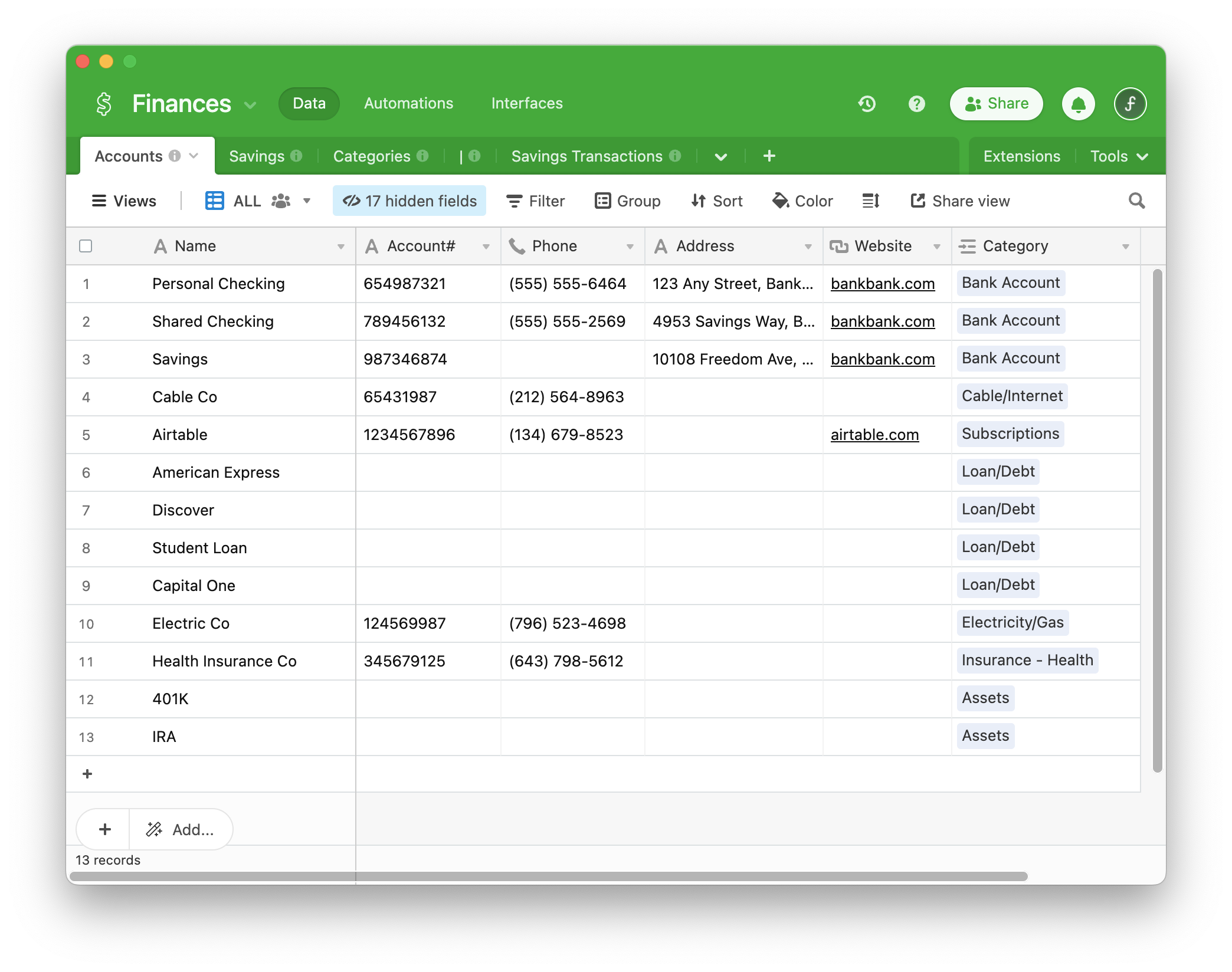
Fintable fetches your bank transactions and financial data from Riverstone Bank - Business in realtime, and then syncs that data to your own spreadsheet, database, or AI.
Similar Financial Connections
Related API connections. These may be the same financial institution, or they may be different bank branches or different bank products in different countries.